
What Is Google Search Console? A Complete Beginner’s Guide to Using GSC
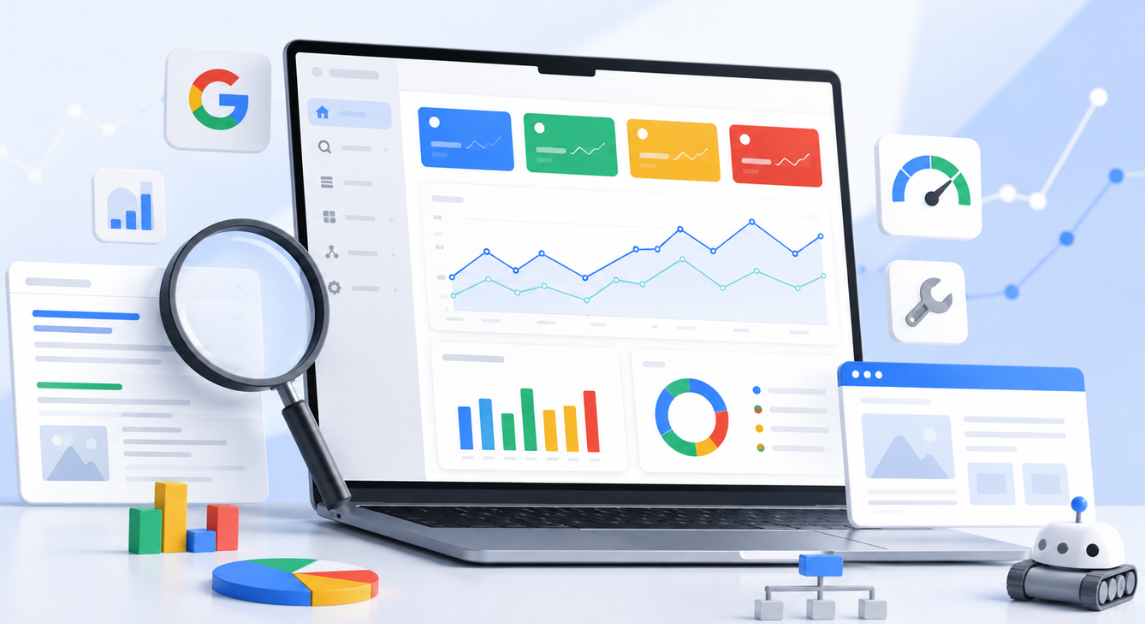
If you own a website, blog, or online store, Google Search Console (GSC) is one of the first SEO tools you should learn. It’s a free tool from Google that shows you how your website appears in search results and whether Google can properly crawl and index your pages.
So, what is Google Search Console? In simple terms, it gives you direct data straight from Google about your site’s search performance, technical health, and indexing status — data no other tool can give you.
In this guide, Digi Milestone breaks down what Google Search Console is, how to set it up, and how to use it to improve your site’s SEO performance.
Not Getting Enough Leads from Your Website?
What Is Google Search Console?
Google Search Console is a free tool provided by Google that helps website owners monitor and maintain their presence in search results.
With it, you can:
- See which keywords bring traffic to your site
- Check how often your pages show up in search
- Monitor clicks and impressions
- Find and fix indexing problems
- Submit sitemaps
- Request indexing for new pages
- Spot mobile usability issues
- Track Core Web Vitals and page experience
This makes it one of the most valuable tools for anyone serious about organic search growth.
Why Is Google Search Console Important?
Understanding what Google Search Console does matters because it’s the only tool that gives you information straight from Google itself — not an estimate, not a guess.
It helps you:
- Understand exactly how users find your website
- Discover pages that aren’t indexed
- Fix technical SEO issues before they hurt rankings
- Monitor search performance over time
- Submit updated content directly to Google
Whether you run a small business site or a large eCommerce store, GSC should be part of your regular SEO workflow, right alongside your broader on-page SEO efforts.
How to Set Up Google Search Console
Step 1: Sign In
Go to the Google Search Console website and sign in with your Google account.
Step 2: Add a Property
You can choose between:
- Domain Property (recommended) — tracks all versions of your site: http/https, www/non-www, and all subdomains
- URL Prefix Property — tracks a single specific URL prefix
Step 3: Verify Ownership
Google offers several verification methods:
- DNS record
- HTML file upload
- HTML tag
- Google Analytics
- Google Tag Manager
The DNS method is usually recommended since it gives complete access to the domain property. Once verified, your website starts collecting data.
How to Use Google Search Console
Many beginners want to know the use of google search console after setting it up.
Here are the most important reports to check.
Performance Report
This report shows:
- Total clicks
- Total impressions
- Average click-through rate (CTR)
- Average position in search results
You can also see:
- Top keywords
- Top pages
- Traffic by country
- Traffic by device
The performance report is one of the most useful google search console uses because it helps you identify which pages are already getting visibility and which ones need improvement.
Indexing Report
Tells you which pages are indexed and which aren’t. Common issues include:
- Page not found (404)
- Redirect errors
- Crawled but not indexed
- Duplicate pages
- Blocked by robots.txt
Duplicate content issues are especially common, and often fixable with a properly implemented canonical tag. Fixing indexing issues helps Google understand your site better and improves your chances of ranking.
Sitemaps Report
A sitemap helps Google discover your pages faster. To submit one:
- Create an XML sitemap
- Go to the Sitemaps section
- Enter the sitemap URL (e.g., sitemap.xml)
- Click Submit
This is one of the simplest Google Search Console uses, and it’s especially important for new websites.
URL Inspection Tool
Lets you check a specific page and see:
- Whether it’s indexed
- When it was last crawled
- Whether it has mobile usability issues
- Whether structured data is valid
If you publish a new page, you can also request indexing directly here. Learning how to use Google Search Console effectively often starts with this tool, since it gives immediate feedback on individual pages.
Mobile Usability Report
Since Google uses mobile-first indexing, this report flags issues like:
- Text too small to read
- Clickable elements too close together
- Content wider than the screen
- Viewport configuration issues
Core Web Vitals Report
Measures real user experience through three metrics:
- Largest Contentful Paint (LCP) — loading speed
- Interaction to Next Paint (INP) — responsiveness
- Cumulative Layout Shift (CLS) — visual stability
These metrics directly affect user experience and can influence search performance.
Common Google Search Console Uses
Some of the most common ways beginners put GSC to work:
Find high-impression keywords — Look for keywords with lots of impressions but low clicks. A better title or meta description usually fixes this.
Identify underperforming pages — Find pages ranking on page 2 or 3, then improve them with better content and stronger internal linking.
Monitor technical SEO — Regularly check for crawl errors, indexing problems, and mobile usability issues.
Submit updated content — After making major changes to a page, request indexing so Google can recrawl it faster.
How Digi Milestone Uses GSC for SEO
At Digi Milestone, Google Search Console is one of the core tools used for SEO analysis and performance monitoring.
The Digi Milestone team uses GSC to:
- Track keyword rankings
- Monitor indexing status
- Find technical SEO issues
- Improve click-through rates
- Analyze search performance
- Identify content opportunities
- Monitor Core Web Vitals
- Support local SEO campaigns
By combining GSC data with professional SEO strategies, Digi Milestone helps businesses improve their search visibility and attract more organic traffic.
Best Practices for Beginners
If you are just starting, follow these tips:
- Check GSC at least once a week
- Submit a sitemap
- Monitor indexing issues
- Review performance data monthly
- Use the URL Inspection tool for new pages
- Fix mobile usability problems quickly
- Track changes after SEO updates
These habits will help you get the most value from Google Search Console.
Conclusion
Now you know what is google search console and why it is one of the most important free SEO tools available.
It helps you monitor search performance, fix technical issues, submit sitemaps, and understand how Google sees your website. Learning how to use google search console can help beginners make better SEO decisions and improve their website’s visibility over time.
If you need expert help setting up GSC, fixing indexing problems, or improving your SEO performance, Digi Milestone provides professional SEO services and technical SEO support for businesses of all sizes.
Grow Your Business Online
Frequently Asked Questions
What is Google Search Console used for?
It is used to monitor search performance, check indexing status, submit sitemaps, and identify technical SEO issues.
How do I set up Google Search Console for my website?
Sign in with a Google account, add your website as a property, and verify ownership using DNS, an HTML file, or another verification method.
Is Google Search Console free to use?
Yes, it is completely free for all website owners.
How does Google Search Console help with SEO?
It provides data about keywords, clicks, impressions, indexing issues, mobile usability, and page experience, which helps improve SEO performance.
What is the difference between Google Search Console and Google Analytics?
Google Search Console focuses on search performance and indexing, while Google Analytics focuses on user behavior and website traffic.
How often should I check Google Search Console?
It is a good practice to check it at least once a week and review performance trends monthly.
What reports are available in Google Search Console?
Important reports include Performance, Indexing, Sitemaps, URL Inspection, Mobile Usability, and Core Web Vitals.
Can Google Search Console improve my website rankings?
GSC does not directly improve rankings, but it helps identify issues and opportunities that can lead to better SEO performance and higher rankings over time.
Start the CONVERSATION
Every meaningful project begins with a simple conversation — let’s start yours.